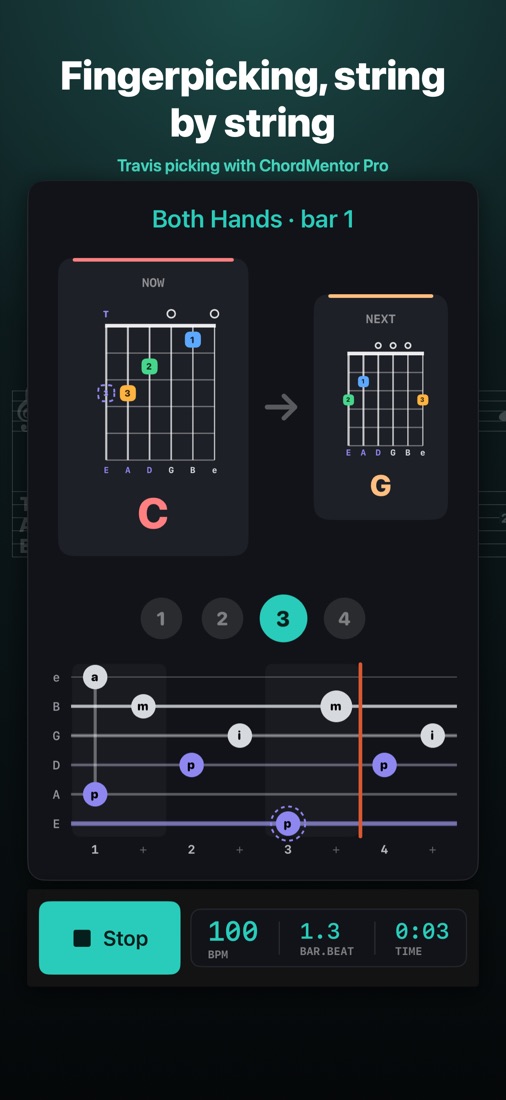
Fingerpicking, string by string
Arpeggio, Travis, Pinch and Carter patterns, drawn like tab: each note on its string, the thumb and fingers in their own colors, a playhead crossing the bar. The chord diagram shows where your thumb goes.
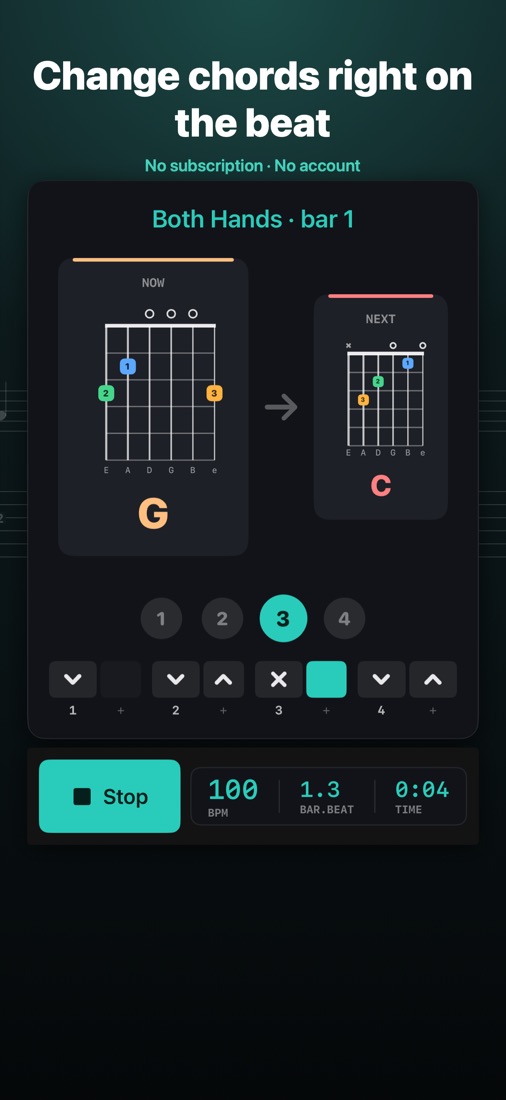
Change chords right on the beat
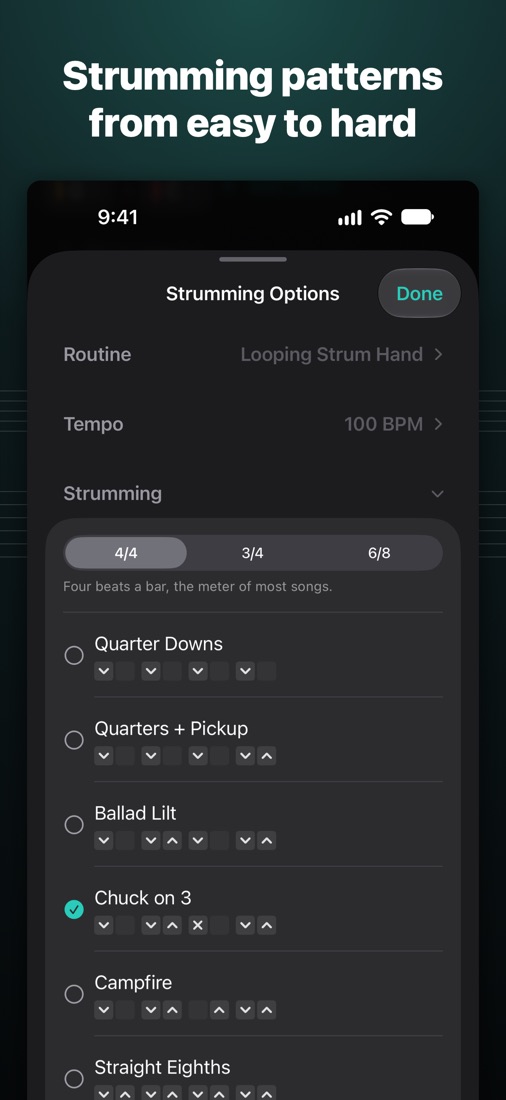
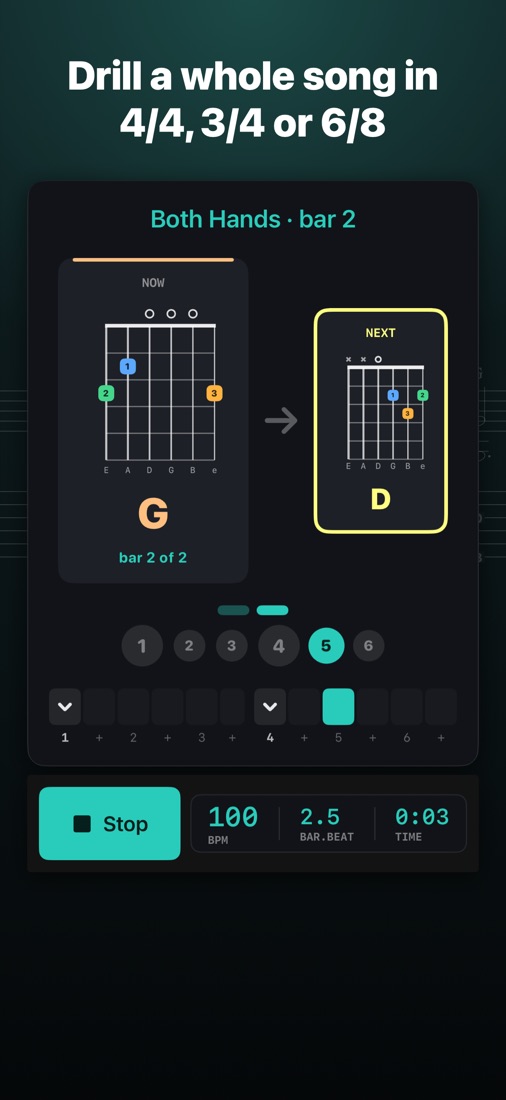
The chord now, the one coming, and the beat. Strumming patterns from Quarter Downs to syncopated, in 4/4, 3/4 and 6/8, or write your own.
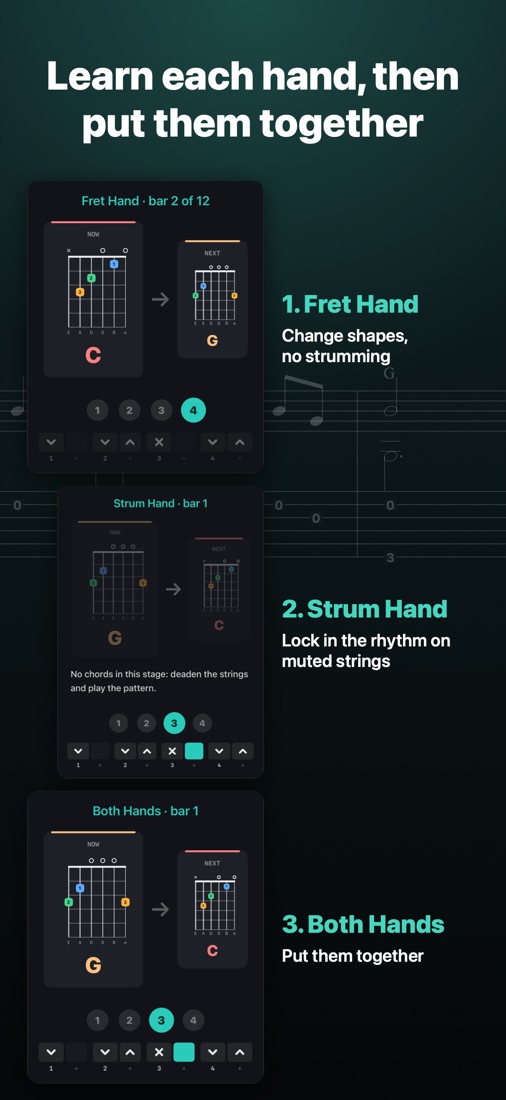
One hand at a time, then both
Fret Hand changes shapes in silence. Strum Hand locks in the rhythm on muted strings. Both Hands puts them together, and the tempo can climb as you go.
Drill a whole song
Save the chords of a verse or a whole song, each as long as it lasts. Shuffle deals random chords, Sprint times one-minute changes, and the Change Map shows which changes need work.
Free, with Pro as one purchase
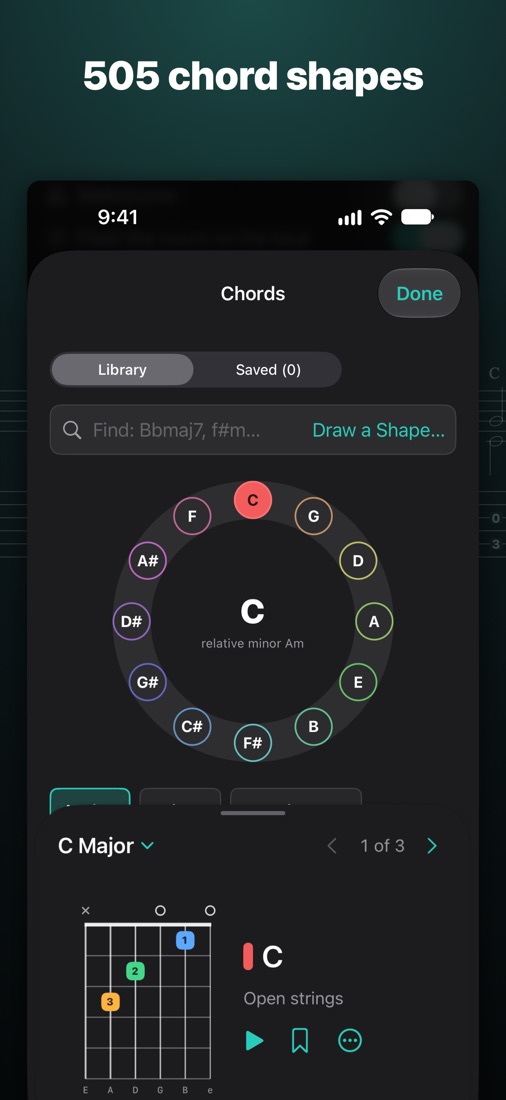
Every screen and routine, every strum pattern, Arpeggio picking and all 505 chord shapes are free. ChordMentor Pro adds Travis, Pinch and Carter picking and removes the save limits on all your devices. No subscription, no account.